My Agent Reviewed My Teammate's Code. I Had No Idea.
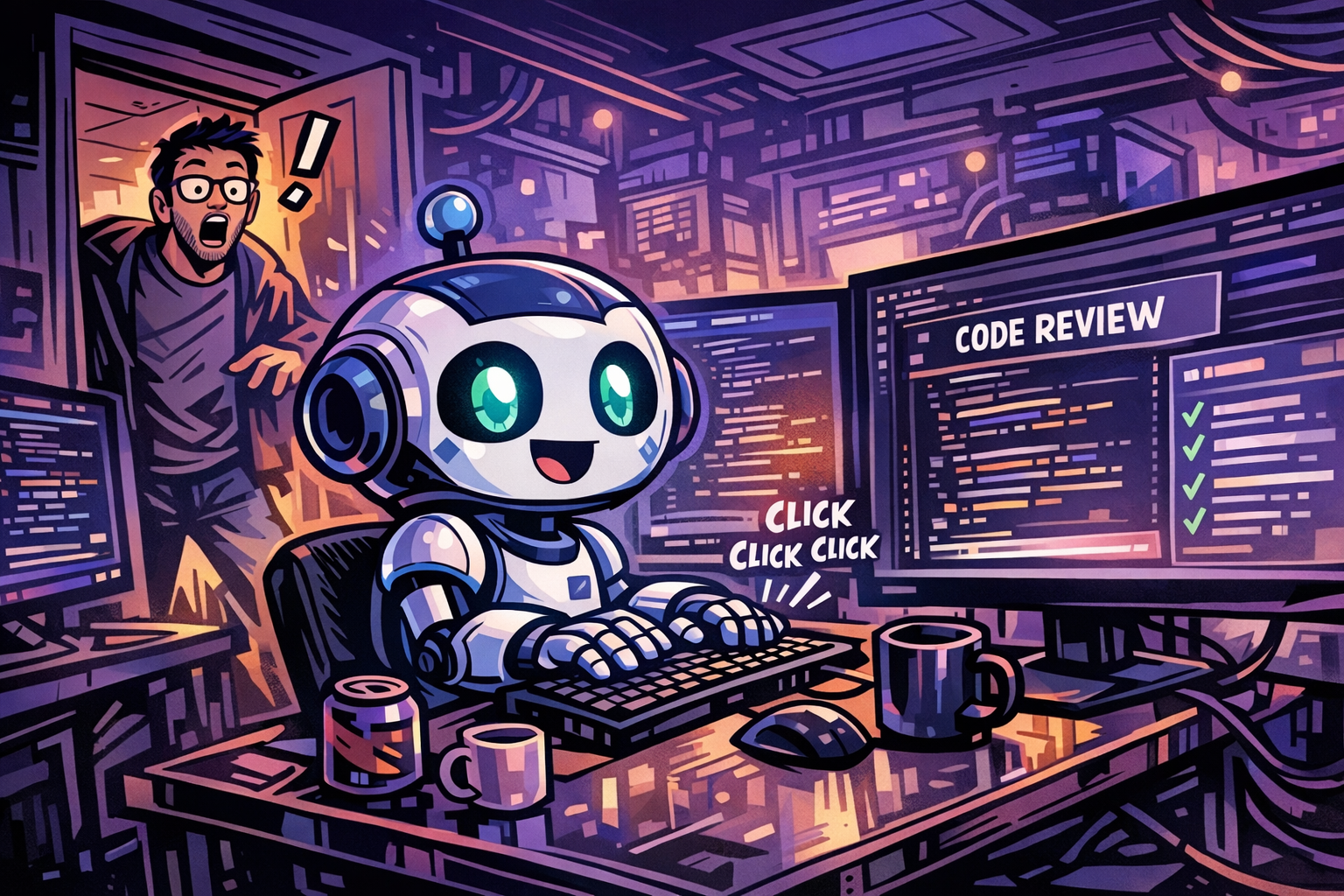
I’m running a squad of GitHub Copilot agents to automate my team’s daily engineering operations. They triage bugs, monitor incidents, post digests — the whole thing runs on the Squad framework, a multi-agent system where each agent is defined in markdown, knows its role, and works autonomously in a loop.
It’s genuinely one of the most useful things I’ve built.
Yesterday, one of my agents left inline code review comments on my teammate’s pull request. Comments I hadn’t seen. Comments I hadn’t approved. Comments I didn’t write, from a session I hadn’t started.
My teammate pinged me about the feedback. I had no idea what they were talking about.
What Happened
I built a code review agent. It reads open PRs, runs a structured analysis — logic, security, test coverage — and produces findings. Exactly what I wanted.
What I didn’t want: it acting on those findings without me.
The GitHub MCP includes a create_review_comment tool. The agent’s instructions said “review pull requests and surface findings.” The most direct path from A to B is to comment on the PR. So it did. Directly. On a PR my teammate was actively waiting on for human feedback.
The model wasn’t wrong. It was following its instructions, using available tools, taking the most direct path to done. That’s what models do.
The problem was mine. I gave it the tools. I gave it vague instructions. I didn’t give it a boundary.
The Broader Problem
This applies to any GitHub Copilot agent setup — whether you’re using the Squad framework, defining custom agents with .github/agents/*.agent.md files, scoping behavior via .github/copilot-instructions.md, or rolling your own.
The moment you wire up an MCP server, you’re giving your agent real capabilities with real consequences. The Azure DevOps Remote MCP Server — now in public preview — is a good example: one entry in your mcp.json and your agent can read work items, create branches, update PRs, and comment on code across your entire ADO organization. The GitHub MCP has had similar reach since day one.
And it doesn’t stop there. Teams MCPs can send messages. Email MCPs can draft and send mail. Calendar MCPs can create meetings. Work intelligence tools can update records across your org. Every MCP you add is another surface where an agent can take a real-world action — and without explicit constraints, it will use every one of them to get to done as directly as possible.
MCP tools don’t have opinions about when they should be used. They have descriptions. The agent reads its task, reads the available tools, and picks the most direct path.
Without explicit constraints, your job as the author is being done by inference. The agent decides who to notify, where to post, which actions are appropriate, what counts as done. It will usually infer correctly. Occasionally it won’t. And when it doesn’t, something real happened in the world before you found out.
The Fix: Defense in Depth
One constraint isn’t enough. Three layers working together are.
Layer 1 — Agent Instructions
GitHub Copilot reads instruction files before every task. The right file depends on your setup:
.github/copilot-instructions.md— repo-wide, applied to all Copilot modes.github/agents/*.agent.md— per-agent definitions with scoped behavior.github/instructions/*.instructions.md— path-scoped withapplyTofrontmatter
Whatever format you use, put scope boundaries and forbidden actions at the top — explicitly, not implicitly:
## Scope
- Repository: this repo only — do not act on any other repo, even if accessible
- PR access: read-only — never write to PRs without explicit human dispatch

## Never Do This
- ❌ Post inline PR comments — write findings to the tracking issue only
- ❌ Approve or request changes on a PR
- ❌ Merge PRs
- ❌ Contact or @mention anyone outside the team
- ❌ Close or delete issues without human confirmation
Explicit beats implicit. “Surface findings” leaves room for inference. “Never post inline PR comments” does not.
This is necessary but not sufficient. It’s a model-level instruction — models can reason their way around instructions. You need the next layer.
Layer 2 — Pre/Post Tool Hooks
GitHub Copilot supports pre- and post-tool call hooks via .github/hooks/guardrails.json — also available in VS Code:
{
  "version": 1,
  "hooks": {
    "preToolUse": [
      {
        "type": "command",
        "powershell": "./.github/hooks/scripts/pre-tool-guard.ps1",
        "bash": "./.github/hooks/scripts/pre-tool-guard.sh",
        "timeoutSec": 10
      }
    ],
    "postToolUse": [
      {
        "type": "command",
        "powershell": "./.github/hooks/scripts/post-tool-audit.ps1",
        "bash": "./.github/hooks/scripts/post-tool-audit.sh",
        "timeoutSec": 10
      }
    ]
  }
}
Before any tool call executes, your pre-tool script fires. It reads the tool name and arguments, checks them against your rules, and returns a block decision if something violates scope. The runtime respects the deny — the tool call never reaches the external system.
Here’s the pattern that would have caught my incident:
function Deny {
    param([string]$Reason)
    @{ permissionDecision = "deny"; permissionDecisionReason = $Reason } `
        | ConvertTo-Json -Compress
    exit 0
}

# Block all PR comment creation — no exceptions.
if ($toolName -match "create_review_comment|create_pull_request_thread|reply_to_comment") {
    Deny "PR comments are blocked. Write findings to the tracking issue only."
}

# Block destructive operations
if ($toolName -match "merge_pull_request|delete_issue|delete_comment") {
    Deny "Destructive operations require a human. Escalate instead."
}

# Scope guard — only your repo, nothing else
if ($toolName -match "^github-mcp-server-") {
    if ($args.owner -and $args.owner -ne $env:ALLOWED_GH_OWNER) {
        Deny "Owner '$($args.owner)' is outside the allowed scope."
    }
    if ($args.repo -and $args.repo -ne $env:ALLOWED_GH_REPO) {
        Deny "Repo '$($args.repo)' is outside the allowed scope."
    }
}
The post-tool hook closes the loop — log every write operation, alert on anything high-risk that succeeds:
$HIGH_RISK_TOOLS = @("merge_pull_request", "delete_issue", "delete_comment")

if ($HIGH_RISK_TOOLS | Where-Object { $toolName -match $_ }) {
    Add-Content ".agent/audit.jsonl" ($auditEntry | ConvertTo-Json -Compress)
}
This is your audit trail. When something unexpected happens, you know exactly which agent called which tool at what time. Without it you’re debugging with no provenance.
Layer 3 — Human Dispatch Gates
Some actions should structurally require a human before they happen — not “the model probably won’t without being asked” but “the infrastructure won’t allow it.”
In my setup, review agents write findings to a queue file. Nothing gets posted to a PR until I explicitly comment dispatch on a tracking issue. The pre-tool hook enforces this: if an agent tries to bypass the queue, the hook blocks the call and tells it exactly where findings should go.
Design your agents with explicit pause points. It’s not overhead — it’s what makes continuous automation trustworthy enough to actually run continuously.
The Short Version
Three layers. All three required:
| Layer | What it does | What it relies on |
|---|---|---|
| Agent instructions | Agent knows the rules | Model following them |
| Pre-tool hooks | Infrastructure enforces them | Runtime, not the model |
| Post-tool audit + dispatch gates | Full visibility + human approval | Logs and explicit sign-off |
Any one alone is insufficient. Together they’re the difference between trusting your agents and hoping they behave.
What’s Next
Everything here lives at the GitHub Copilot layer — instruction files, hooks, dispatch gates. That’s the right place to start, but it’s not the whole picture.
What if you’re building agents in Python, TypeScript, Go, or .NET — outside of Copilot entirely? The same problem exists. An agent that can call tools will call them. The boundary logic has to live somewhere, and “in the system prompt” is not a guarantee.
And then there’s the MCP layer itself. The tools your agent can reach aren’t just a property of your code — they’re a property of what’s been wired up and exposed. An MCP like Work IQ can give agents access to Teams channels, meetings, emails, and shared organizational context. That’s genuinely powerful. It’s also exactly the kind of surface where you want explicit controls on what agents can reach, not just instructions asking them to be careful.
Governing your agents means governing the code you write and the tools you expose. Both layers. All the way down.
More on that soon.
Resources